You finish a complex refactor or figure out a tricky bug. Your team asks “what did you do?” So you write a 500-word recap, paste code snippets, explain your thinking.
There’s a better way.
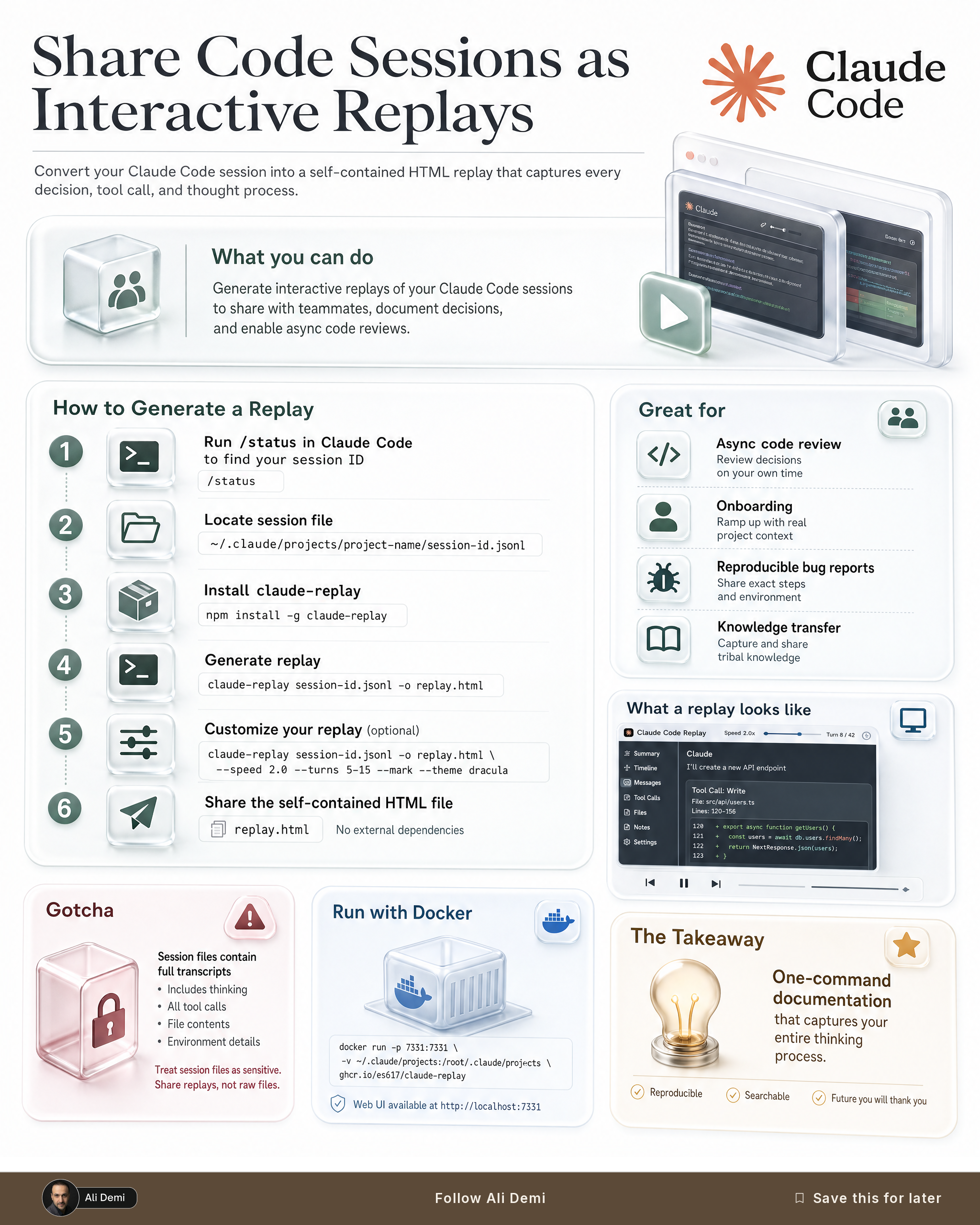
Claude-replay turns your entire Claude Code session into an interactive, self-contained HTML file. Your teammates watch the session unfold – every prompt, every tool call, every decision – in a shareable replay. No video player, no external dependencies. One HTML file.
Here’s how:
- Run `/status` in Claude Code to grab your session ID.
- Find the session file at `~/.claude/projects/project-name/session-id.jsonl`.
- Install the replay tool: `npm install -g claude-replay`
- Generate the HTML: `claude-replay session-id.jsonl -o replay.html`
- Customize it: add flags like `–speed 2.0` to skip slow parts, `–turns 5-15` to focus on specific exchanges, `–mark` to add chapter markers.
- Share the HTML file – email it, drop it in a doc, push it to a repo.
Your team opens it in a browser and steps through your thinking at their own pace. They can expand any tool call to see the exact output, search the transcript, rewind to a moment they missed.
Perfect for onboarding new devs (“watch how we debug this”), code review (“see the approach I tried”), reproducible bug reports (“here’s exactly what happened”), and async work (“I’ll review your replay tomorrow”).
The session JSONL file holds everything – your prompts, Claude’s full responses, all thinking and tool calls, timestamps. It’s already being recorded. Claude-replay just makes it shareable and navigable, without you lifting a finger.
——
Book your free AI clarity call, NOW!
https://buff.ly/TpWy277
——
Repost this. Thanks.